
Inline Edit
CrossPaste lets you edit pasteboard content directly in the search window, with no need to paste it into another editor, modify it, and copy it back.
Text Editing
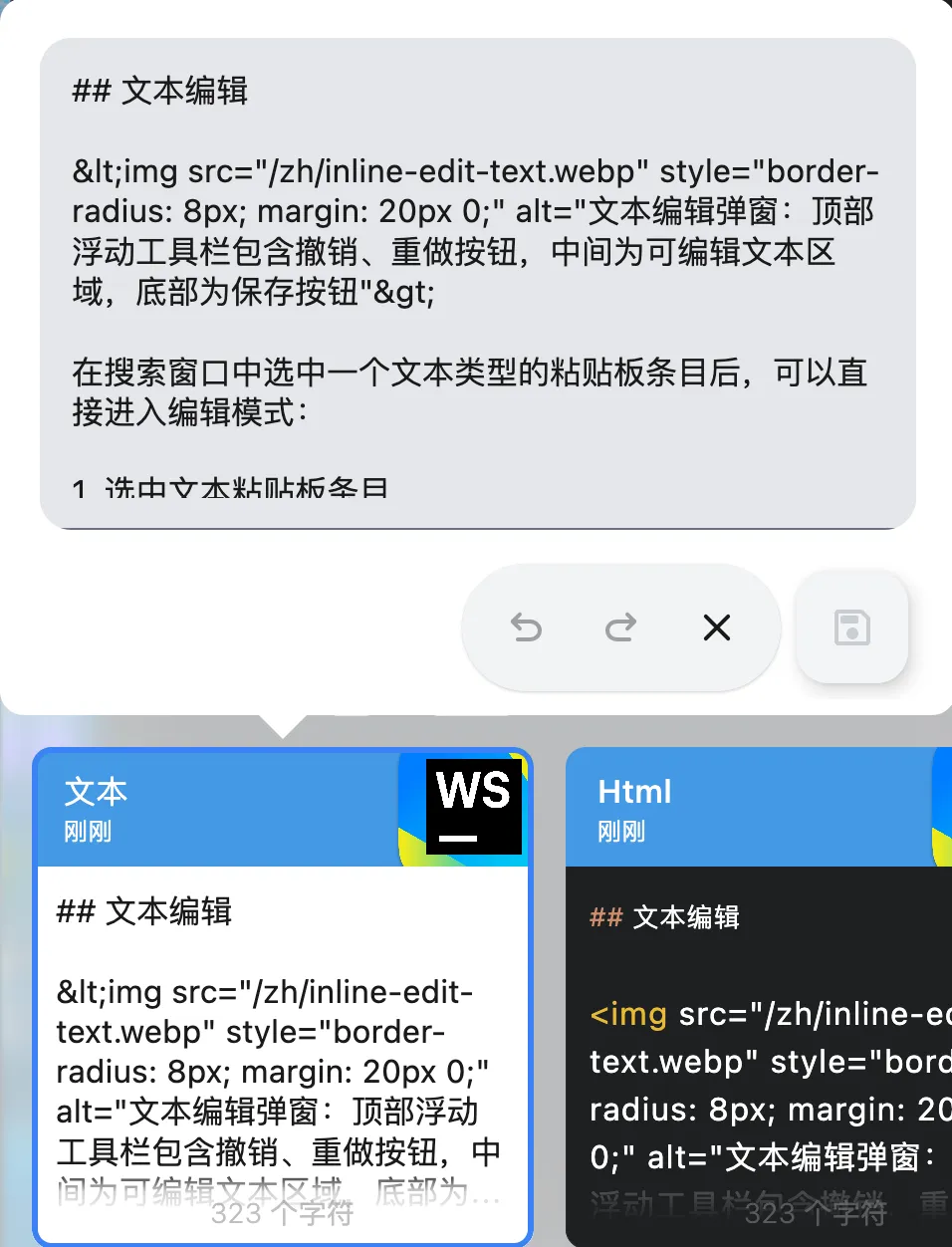
After selecting a text-type pasteboard entry in the search window, you can enter edit mode directly:
- Select a text pasteboard entry
- Right-click and choose the edit option
- Modify the text in the editing window that appears
- The editing window provides a floating toolbar with common text operations
- Click the save button to save your changes
Undo and redo
Undo and redo are supported while editing, so you can roll back or restore changes at any time.
HTML Editing
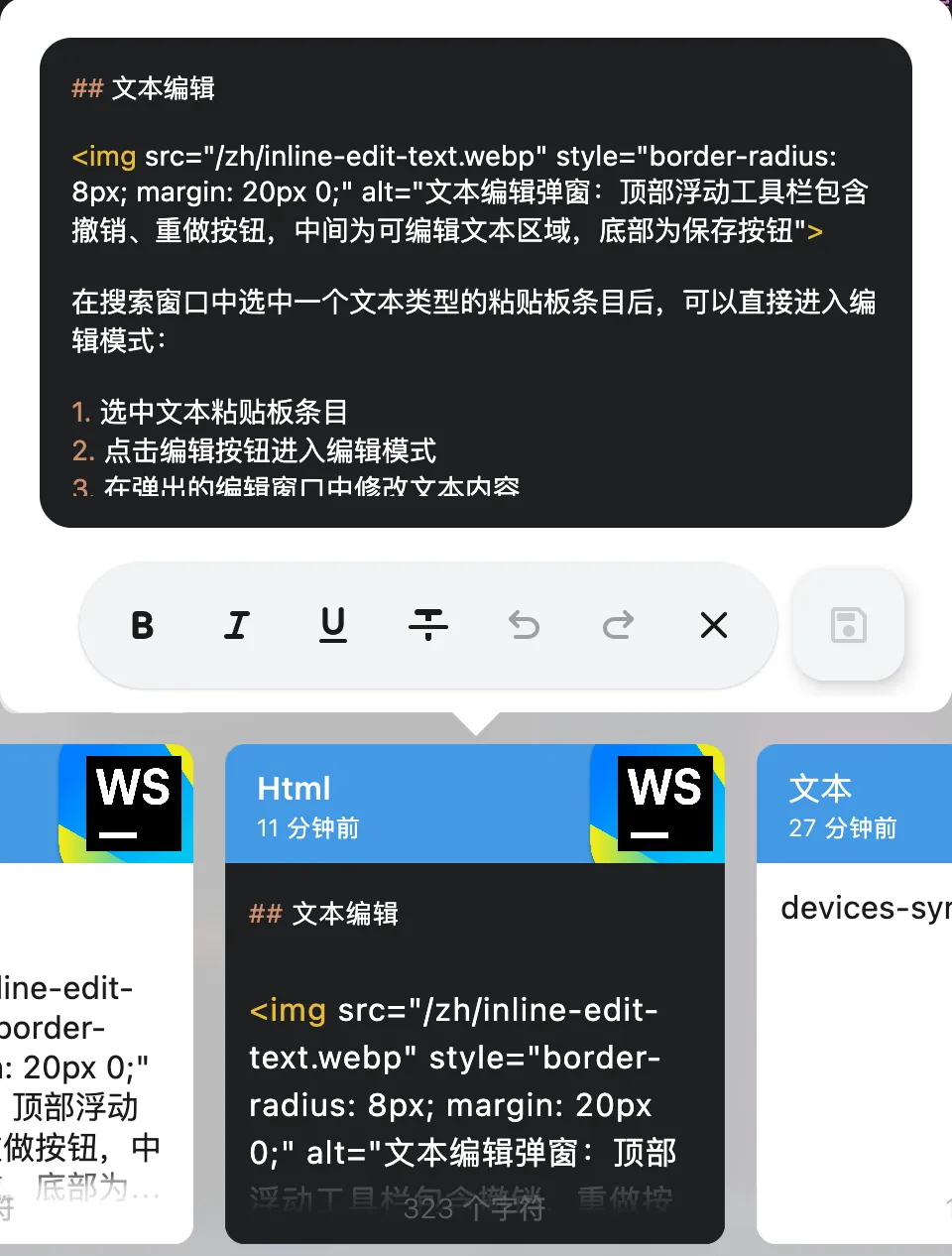
Inline editing is also supported for HTML-type pasteboard content:
- Select an HTML-type pasteboard entry
- Right-click and choose the edit option
- Modify the HTML content directly in the editing window
- The content updates immediately after saving
Editing Titles
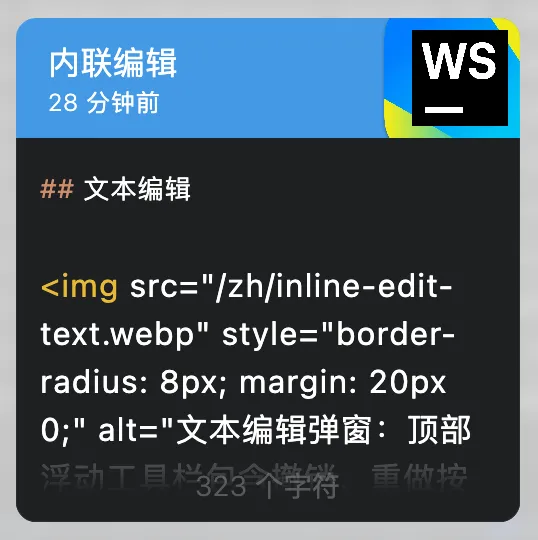
You can set a custom title for a pasteboard entry to make it easier to identify and search:
- Find the pasteboard entry's title area
- Click the title to start editing
- Type a custom title; press Enter to save automatically
- The title updates immediately, and you can also search by it
Cut Operations
CrossPaste supports cutting file- and image-type pasteboard entries:
- Cut in CrossPaste is not the same as a traditional cut; it is actually a delayed deletion after 1 minute, and you can paste the cut item before then
- Undo is supported: if the cut was a mistake, click restore within 1 minute to avoid deletion
Note
CrossPaste cannot tell a cut apart from a copy; this is a limitation of desktop operating systems themselves.